Use AI. Limit data exposure.
Coveniq is an AI work platform for organizations. When enabled, Privacy Guard checks text before a model call and replaces detected personal data with placeholders. It can miss information.
- Review what the model received
- Active Guard: pre-send failures stop the model call
Protected content
This content was pseudonymized before being sent to the AI model.
- Martina BergerPersonWas unnecessary
- m.berger@musterstadt.deEmail addressWas unnecessary
- KD-45678-BInternal IDAlways protected
- DE89 3704 0044 0532 0130 00IBANAlways protected
The starting point
Productivity and data protection are not mutually exclusive.
Many organizations weigh up two routes: allow AI and carry the residual risk, or restrict its use and accept that it happens outside their own systems. Both routes leave the same question open: what leaves the organization? When enabled, the Privacy Guard checks text inputs before a model call and records detected, replaced information.
In everyday work
Personal data reaches AI tools because the task contains it: names from emails, details from tickets, personnel matters, file numbers. A policy sets out what is permitted. Whether it is followed at the moment of typing is not something the policy itself can ensure.
The evidence
Even when nothing has been disclosed, the question remains how to show it. That requires a layer that records what actually went to an external provider.
Weighing it up
Restrict the use and it moves to private accounts. Permit it and the overview of what leaves the building is missing. In both cases it remains open what a model has seen.
Coveniq separates what a user types from what the model gets to see.
Step by step
See how the Guard checks text before a model call.
A schematic five-step walkthrough, not a measured Guard result. Choose any step to inspect how the model boundary works; actual detections may differ.
Schematic example · not a live result
Input
Please draft a reply to Martina Berger[PERSON_1] at m.berger@musterstadt.de[EMAIL_1] regarding case KD-45678-B[ID_1]. The refund goes to the account DE89 3704 0044 0532 0130 00[IBAN_1].
This is the text as it was entered. The Privacy Guard has not changed it yet.
Before the model call
After the model call
ready: Input. This is the text as it was entered. The Privacy Guard has not changed it yet.
The guard does not catch every item and sometimes marks too much; you report both in one click, and your administrators sharpen it permanently for your organization.
Calibration
Tune the Guard to your organization's terms.
Administrators can add organization-specific patterns for abbreviations and identifiers, then test them on example text before saving.
An identifier such as EMP-1234 may matter to your team even if a general recognizer misses it. An administrator can define a pattern, test it live and apply it to that organization. Detection can still miss or overmark details.
Create correction
Live test
Please check the cases EMP-4471 and EMP-2988 before sending.
Every pattern is tested against your own example before it is saved.
Knowledge spaces
Upload PDF, Word and text documents. Coveniq extracts, chunks and vectorizes them, and your assistants answer from your own content. Every document is checked for personal data on upload.
Assistants
As many assistants per organization as you need, each with its own system instruction, its own model and its own visibility. For the whole organization, for one department, or just for you.
Chat
Answers appear in real time, keep generating in the background when you switch conversations, and can be copied with formatting into Word or Excel. On request, the assistant produces finished documents as PDF or Word.
Tenants and sub-organizations
Complete data separation between organizations, enforced in the database through row level security. Departments and sites are modelled as sub-organizations with their own assistants and knowledge spaces.
Who it is for
Three kinds of work. A check before the model.
These fictional situations show where a Privacy Guard check fits into everyday work when it is enabled.

Companies
Example workflow
An HR team asks an assistant to draft a reference letter. With the Guard enabled, detected names and identifiers are replaced before the model call. A person reviews the draft before using it.
Other ways to use Coveniq
- Make internal knowledge bases searchable with AI
- Assistants for HR, legal and customer support
- Usage analytics for cost control

Public authorities
Example workflow
A case worker asks an assistant to draft a response to an objection. With the Guard enabled, detected case numbers and personal details are replaced before the model call. The model input can then be reviewed.
Other ways to use Coveniq
- Internal knowledge assistants with pre-send checks
- File processing with automatic pseudonymization
- Tenant separation between public authorities and their sites
Educational institutions
Example workflow
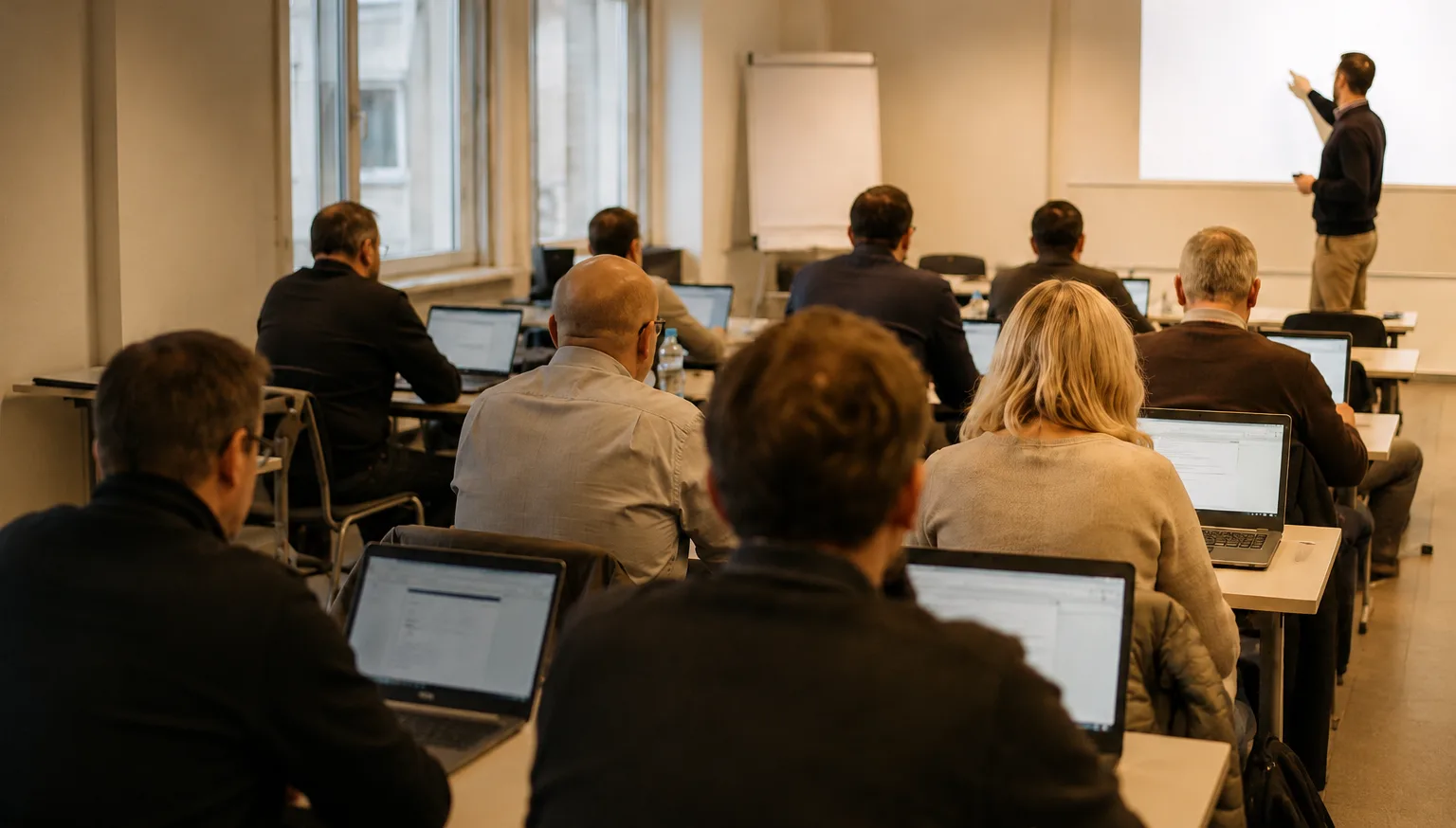
A teacher uses an assistant to review exam papers. With the Guard enabled, detected personal details in text inputs are replaced before the model call. The teacher reviews the result before using it.
Other ways to use Coveniq
- Learning assistants for pupils and students
- Institutional knowledge spaces for teaching material
- Tenant separation between schools and faculties
Timeline
Where we stand and what comes next
We show which features are available and what we are working on next.
Running
Live operation
German and EnglishPrivacy Guard in the product- Chat and assistants in the product
- Calibrating the Guard for organization-specific language
- Extending the transparency and control features
- Improving response times and cost tracking
Next
Connecting your systems
- Single sign-on and SAML integration
- Compliance exports beyond usage and cost
- Public API for connecting your own systems
- Extended guard tuning and SCIM user provisioning
Later
Expansion
- Enterprise onboarding
- Service level commitments
- Extended billing model
- Further model providers beyond OpenAI and Anthropic
Details on processing locations and model providers are available in the legal documents.
Who is behind it
Coveniq is a product of AITAS Technologies.
AITAS Technologies builds software and automation around artificial intelligence and trains organizations in using it practically. The company is based in Freiburg.
Coveniq grew from a question: how can organizations use language models while reducing the risk of disclosing personal data? The platform combines assistants, knowledge spaces and a configurable Privacy Guard.
AITAS Technologies
AI software development and automation from Freiburg.
AI software development
Process automation
Training through AITAS Academy
Coveniq grew out of this work and is developed further by the same team.
Calibrate the guard to your language.
Every organization has its own abbreviations, case numbers and language. The Privacy Guard can be calibrated to such patterns. Show us a fictional example, and we will show you the platform.
The request goes through a form provided by Tally, which opens in a window on this page. The privacy policy sets out which data is processed.